FreeUp for iPhone
Clear your camera roll, one month at a time.
Swipe left to delete, right to keep. Unlimited swipes, no ads, and your photos never leave your iPhone.

Month by month
A whole library, in pieces you can finish.
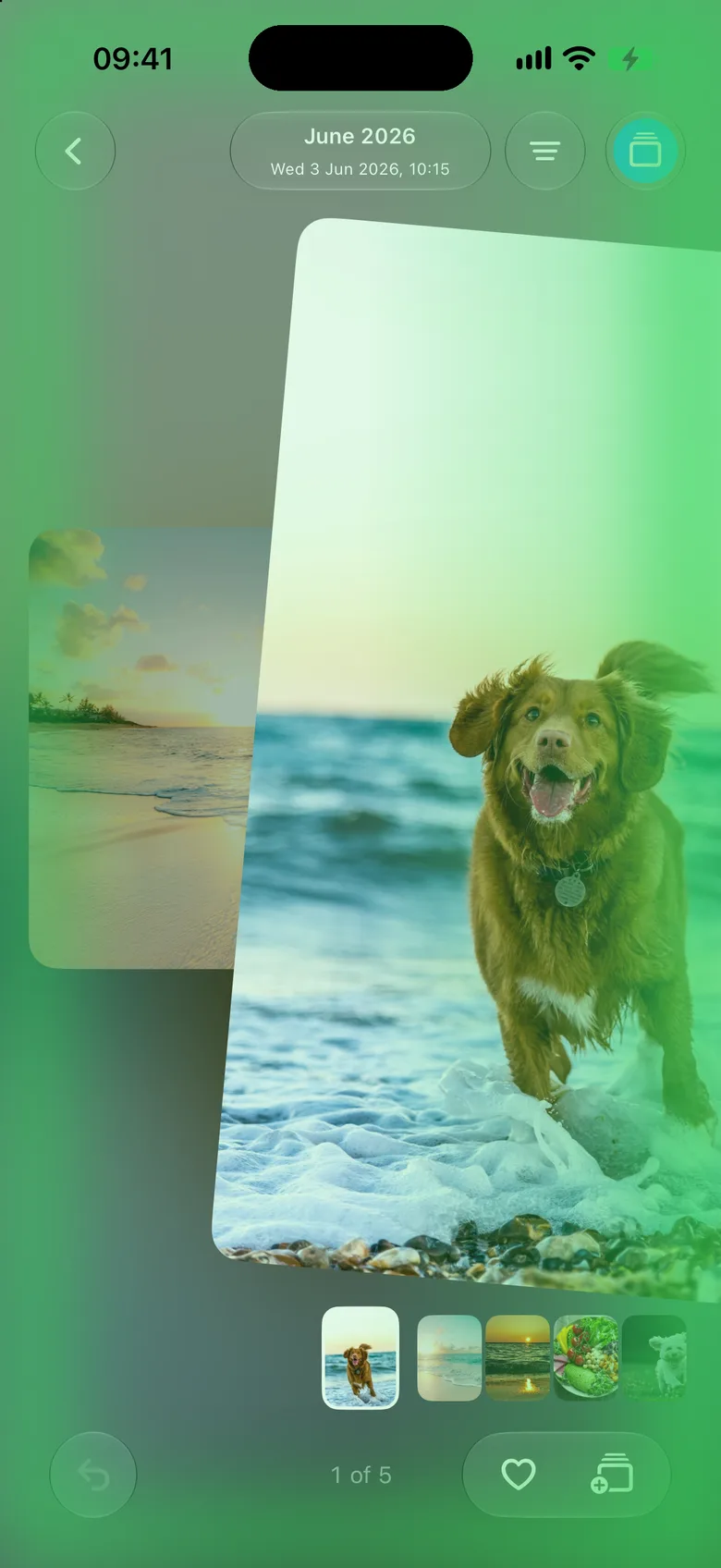
Your photos and videos are grouped into months. Swipe through one and it gets a tick when it's done. Come back later and you start where you stopped.
Filters let you sort only what you want right now: photos, videos, Live Photos, screenshots, screen recordings, selfies and more.
Swipe to sort
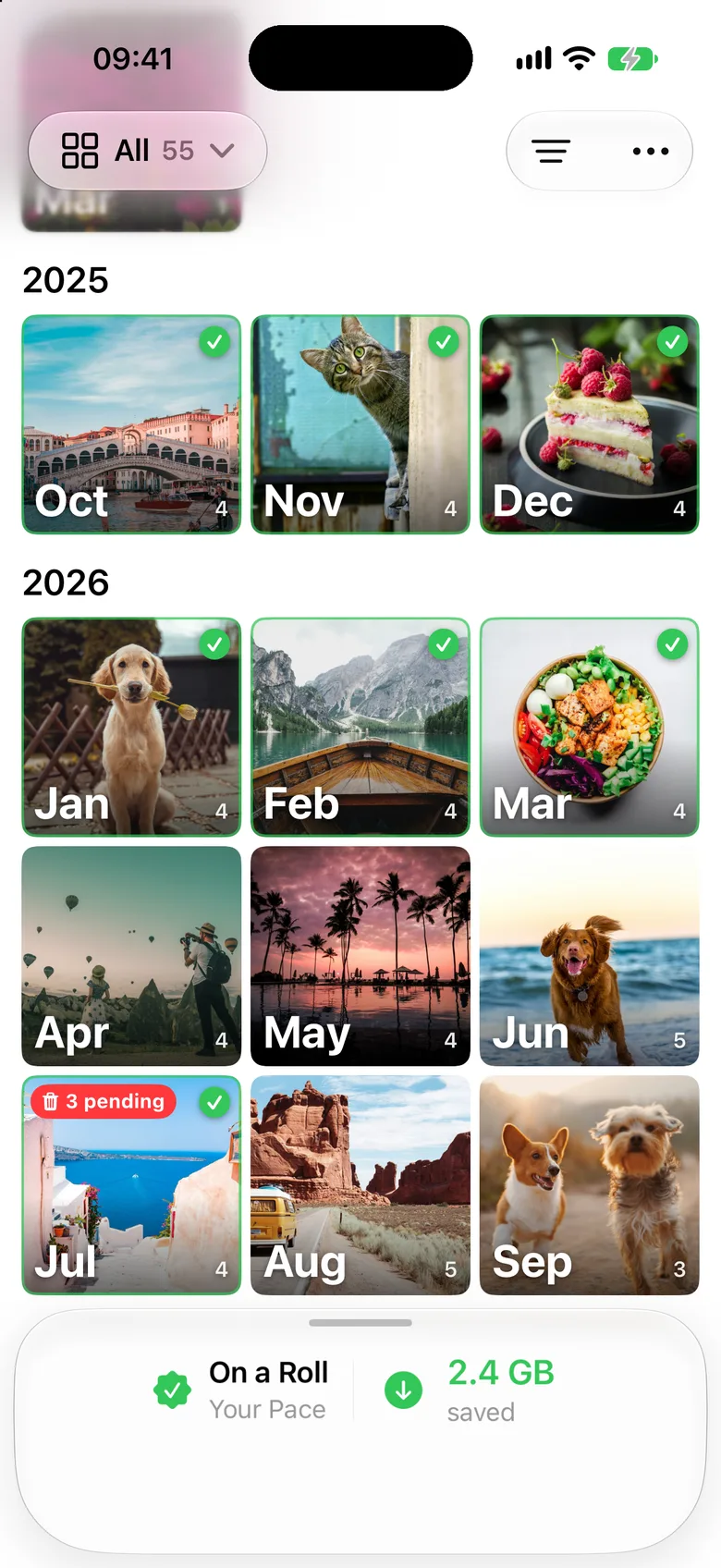
Left to delete. Right to keep.
One photo at a time, full screen. Tap to skip one you're not sure about, and pinch to look closer.
Changed your mind? Undo brings the last one back.
You decide
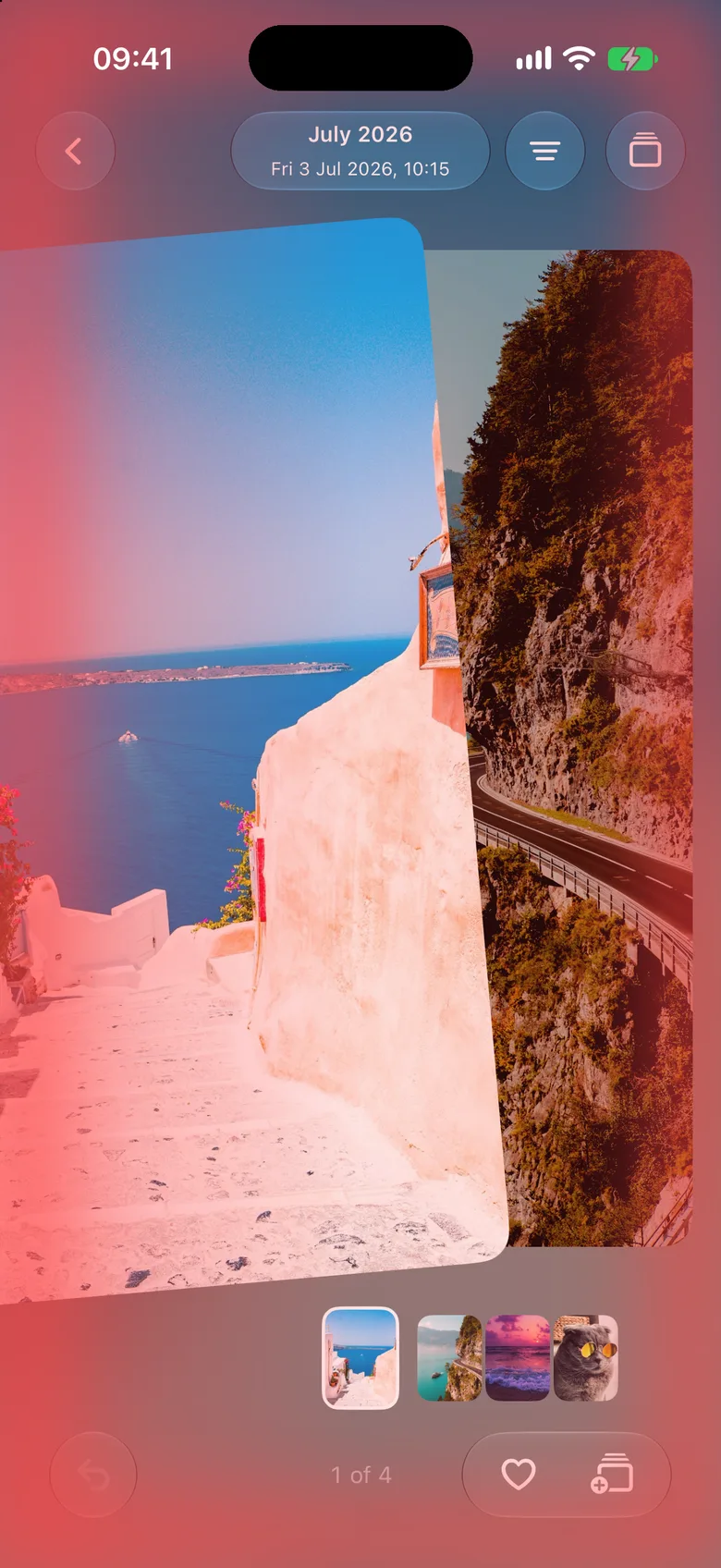
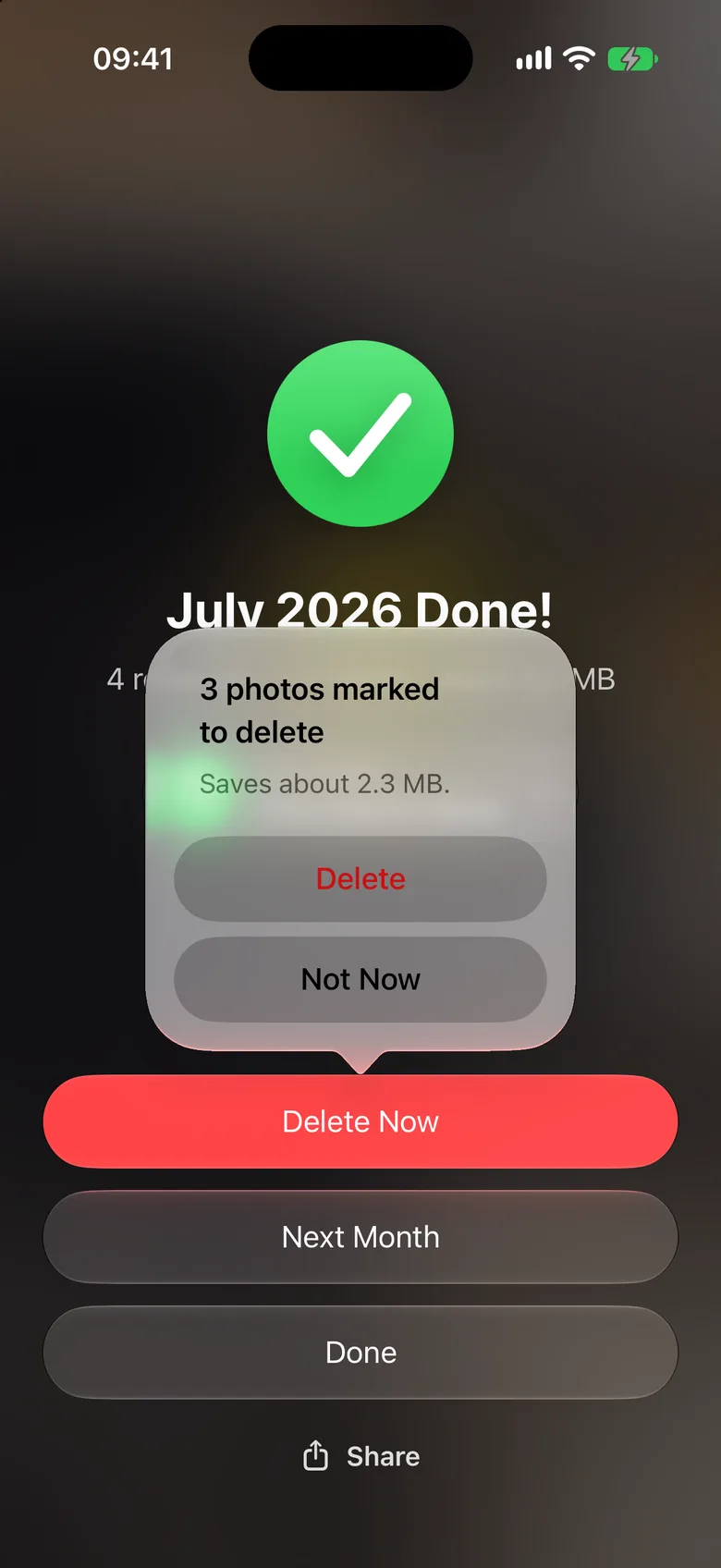
Nothing is deleted until you say so.
When a month is done, you see how many photos you marked and how much space they take. Delete them all in one go, or not now.
Deleted photos go to Recently Deleted in the Photos app for 30 days, so you can still get them back.
Sort as you go
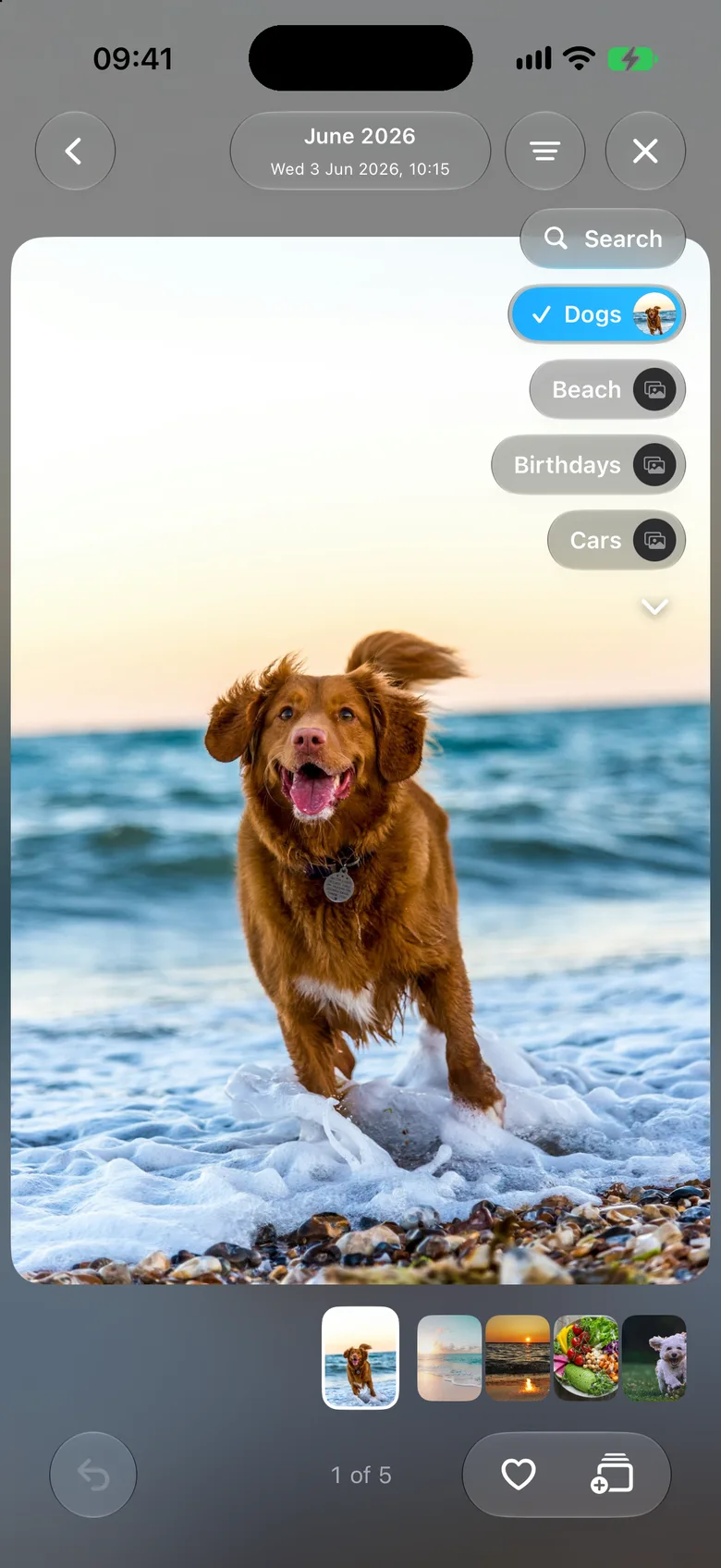
Keep the good ones where they belong.
Add a photo to Favorites or to any of your albums without leaving the swipe. Your albums float beside the photo, one tap away.
Your pace
See how far you've come.
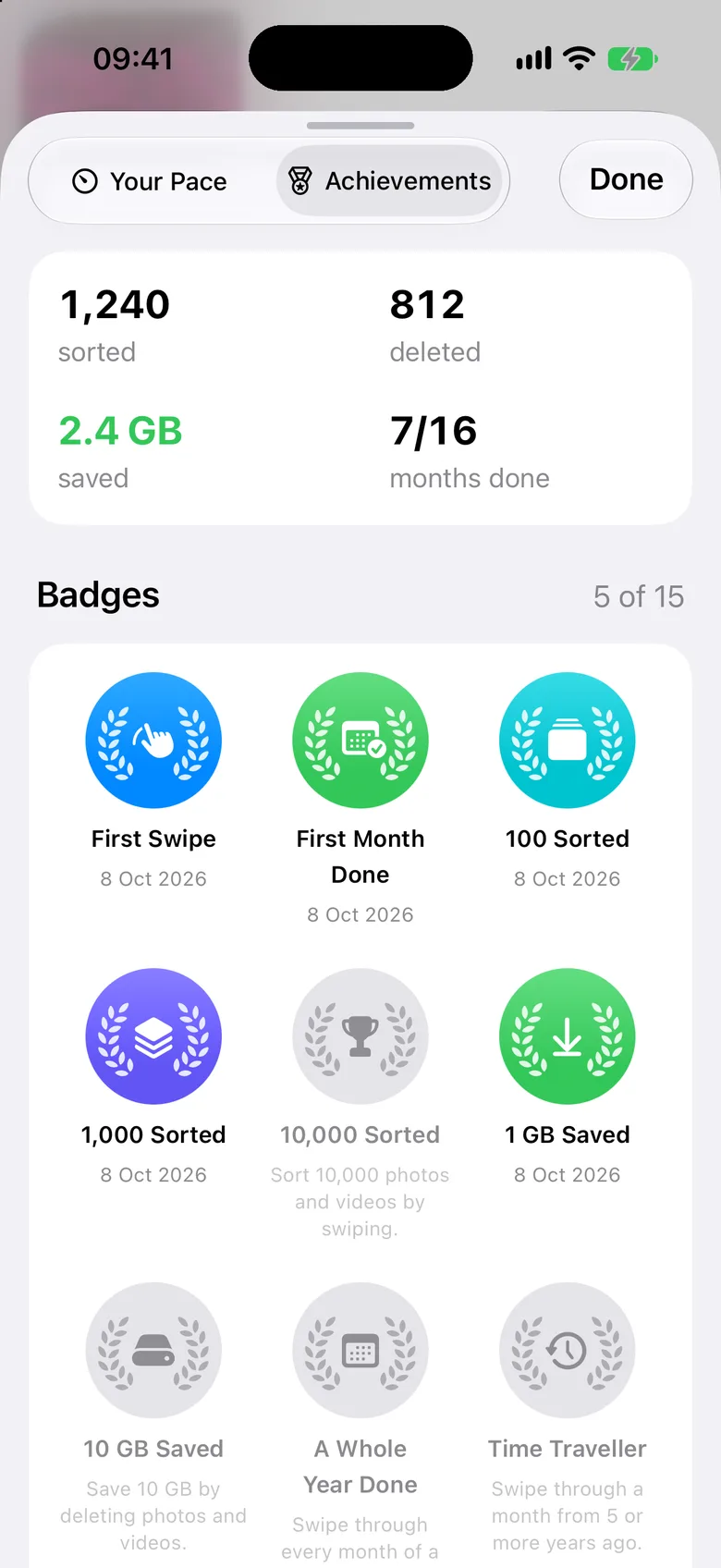
The app works out how long sorting takes you and when you'll be done. Set a goal, and a reminder comes on the day you pick.
Watch the space you've saved add up, earn badges along the way, and share a progress card with friends if you like.